 09fe7557d6
Videos with multi-language audio carry an `audioTrack` object on each audio entry
of `streamingData.adaptiveFormats`, holding the language id (e.g. "en-US.4"), a
human-readable `displayName`, and whether the track is the original audio.

Invidious already parses and uses all three: the DASH manifest route reads
`audioTrack["id"]`, `audioTrack["audioIsDefault"]` and
`audioTrack["displayName"]` to label and order its audio AdaptationSets. But
`/api/v1/videos` drops it, so an API consumer has no way to tell one audio track
from another, and is left scraping it back out of the stream URL query string
(`xtags=acont%3Ddubbed%3Alang%3Dfr`) — undocumented, and silent when it changes.

Emit the same three fields the manifest route already relies on, each only when
present, in the same passthrough style as the neighbouring `colorInfo` and
`captionTrack` fields. Additive and optional throughout: a single-audio video
carries no `audioTrack` at all and so gains no field, which is correct — there is
no second track to distinguish.

AI disclosure, per AI_POLICY.md: this patch was written with AI assistance.
Exact model: Claude Opus 5, model ID `claude-opus-5[1m]`. Tool used to interact
with it: Claude Code, Anthropic's agentic CLI. The change was verified against a
live patched instance (see the PR for the measurements) and is running in
production on the submitter's instance. Submitted by and the responsibility of
@mdbraber.

Invidious







An open source alternative front-end to YouTube
Website • Instances list • FAQ • Documentation • Contribute • Donate
Chat with us:




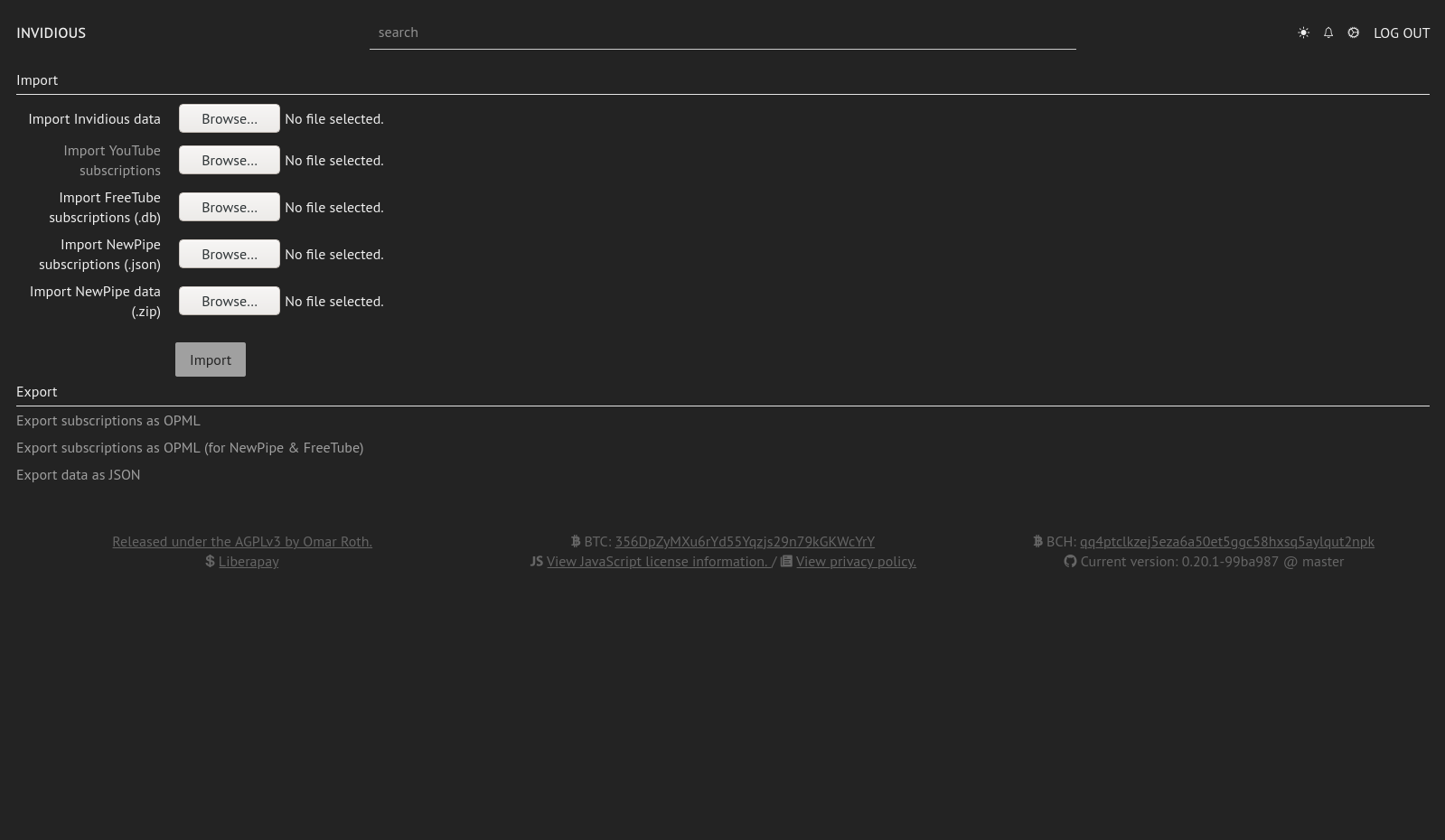
Screenshots
| Player | Preferences | Subscriptions |
|---|---|---|
 |
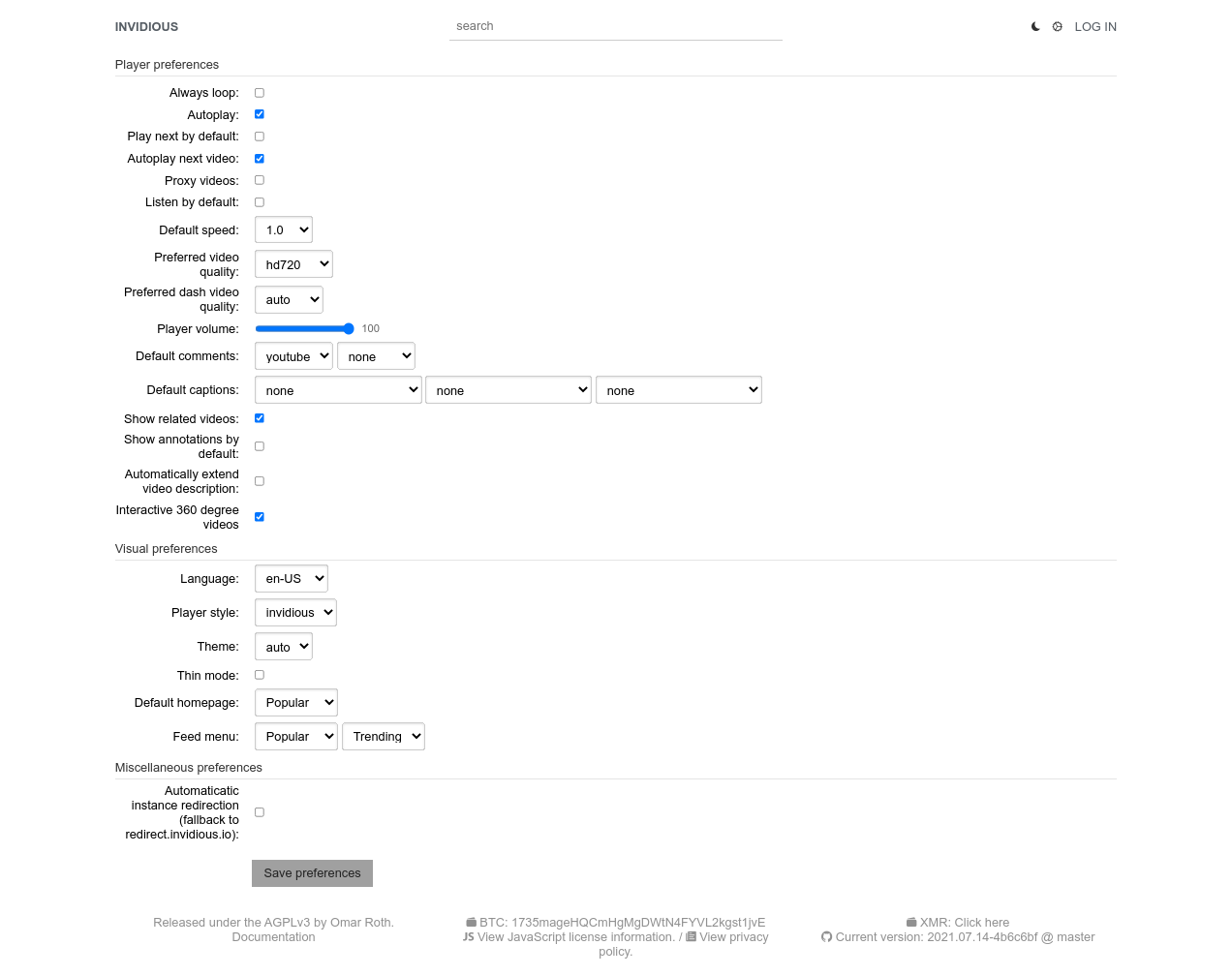 |
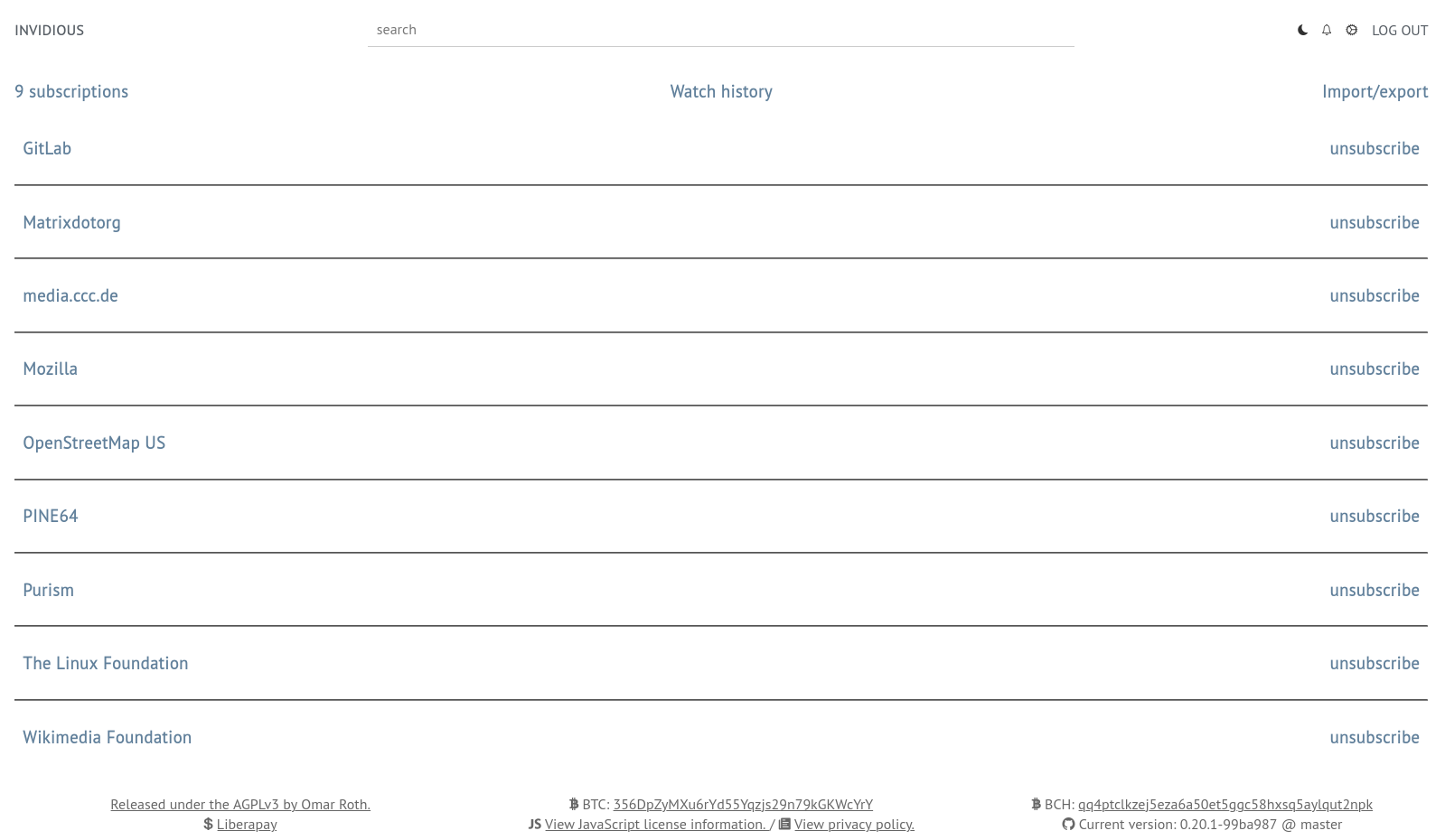 |
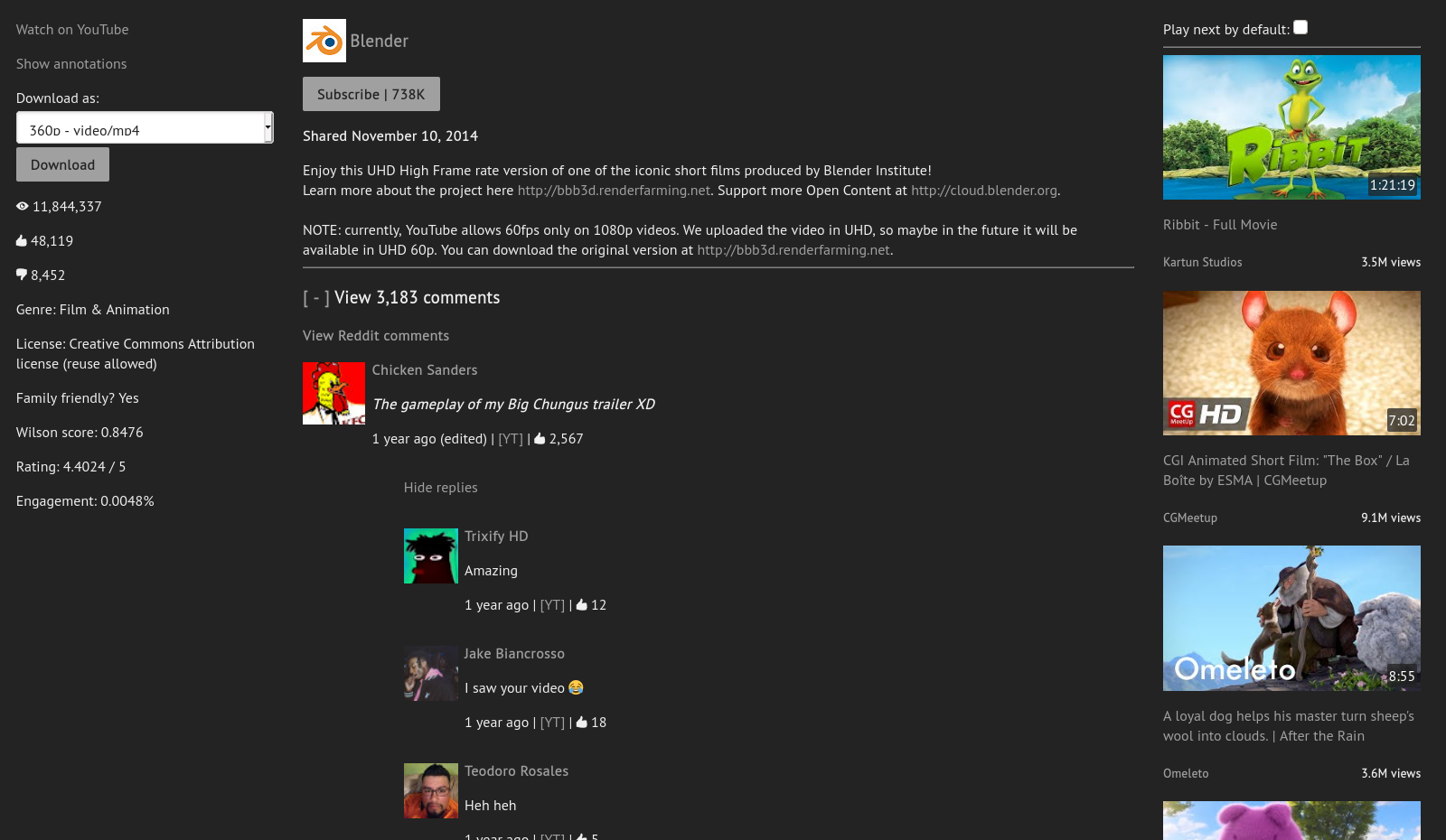 |
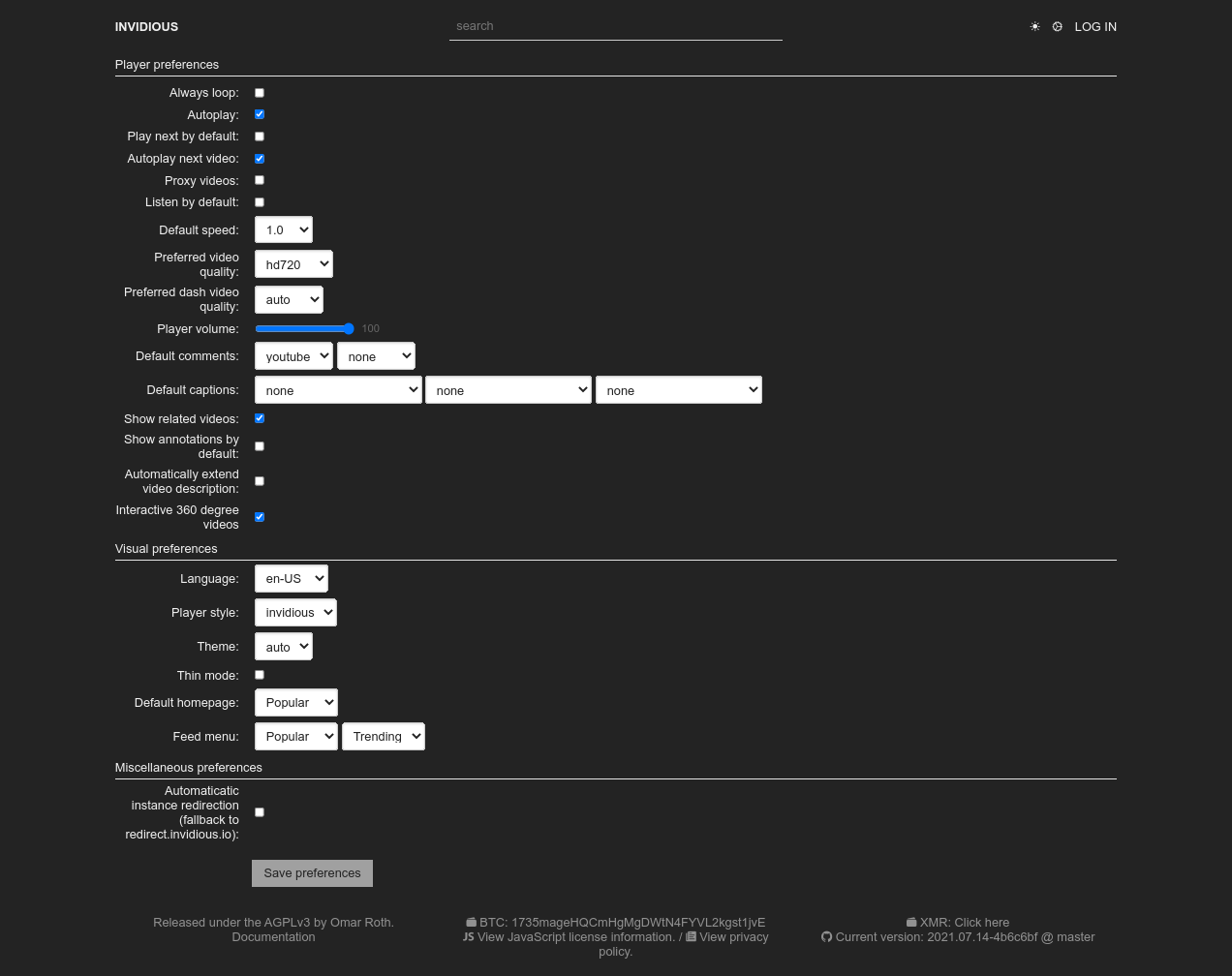 |
 |
Features
User features
- Lightweight
- No ads
- No tracking
- No JavaScript required
- Light/Dark themes
- Customizable homepage
- Subscriptions independent from Google
- Notifications for all subscribed channels
- Audio-only mode (with background play on mobile)
- Support for Reddit comments
- Available in many languages, thanks to our translators
Data import/export
- Import subscriptions from YouTube, NewPipe and FreeTube
- Import watch history from YouTube and NewPipe
- Export subscriptions to NewPipe and FreeTube
- Import/Export Invidious user data
Technical features
- Embedded video support
- Developer API
- Does not use official YouTube APIs
- No Contributor License Agreement (CLA)
Quick start
Using Invidious:
- Select a public instance from the list and start watching videos right now!
Hosting Invidious:
Documentation
The full documentation can be accessed online at https://docs.invidious.io/
The documentation's source code is available in this repository: https://github.com/iv-org/documentation
Extensions
We highly recommend the use of Privacy Redirect, a browser extension that automatically redirects YouTube URLs to any Invidious instance and replaces embedded YouTube videos on other websites with Invidious.
The documentation contains a list of browser extensions that we recommended to use along with Invidious.
You can read more here: https://docs.invidious.io/applications/
Contribute
Code
- Fork it ( https://github.com/iv-org/invidious/fork ).
- Create your feature branch (
git checkout -b my-new-feature). - Stage your files (
git add .). - Commit your changes (
git commit -m 'Add some feature'). - Push to the branch (
git push origin my-new-feature). - Create a new pull request ( https://github.com/iv-org/invidious/compare ).
Translations
We use Weblate to manage Invidious translations.
You can suggest new translations and/or correction here: https://hosted.weblate.org/engage/invidious/.
Creating an account is not required, but recommended, especially if you want to contribute regularly. Weblate also allows you to log-in with major SSO providers like GitHub, GitLab, BitBucket, Google, ...
Projects using Invidious
A list of projects and extensions for or utilizing Invidious can be found in the documentation: https://docs.invidious.io/applications/
Liability
We take no responsibility for the use of our tool, or external instances provided by third parties. We strongly recommend you abide by the valid official regulations in your country. Furthermore, we refuse liability for any inappropriate use of Invidious, such as illegal downloading. This tool is provided to you in the spirit of free, open software.
You may view the LICENSE in which this software is provided to you here.
- Limitation of Liability.
IN NO EVENT UNLESS REQUIRED BY APPLICABLE LAW OR AGREED TO IN WRITING WILL ANY COPYRIGHT HOLDER, OR ANY OTHER PARTY WHO MODIFIES AND/OR CONVEYS THE PROGRAM AS PERMITTED ABOVE, BE LIABLE TO YOU FOR DAMAGES, INCLUDING ANY GENERAL, SPECIAL, INCIDENTAL OR CONSEQUENTIAL DAMAGES ARISING OUT OF THE USE OR INABILITY TO USE THE PROGRAM (INCLUDING BUT NOT LIMITED TO LOSS OF DATA OR DATA BEING RENDERED INACCURATE OR LOSSES SUSTAINED BY YOU OR THIRD PARTIES OR A FAILURE OF THE PROGRAM TO OPERATE WITH ANY OTHER PROGRAMS), EVEN IF SUCH HOLDER OR OTHER PARTY HAS BEEN ADVISED OF THE POSSIBILITY OF SUCH DAMAGES.